.svg)
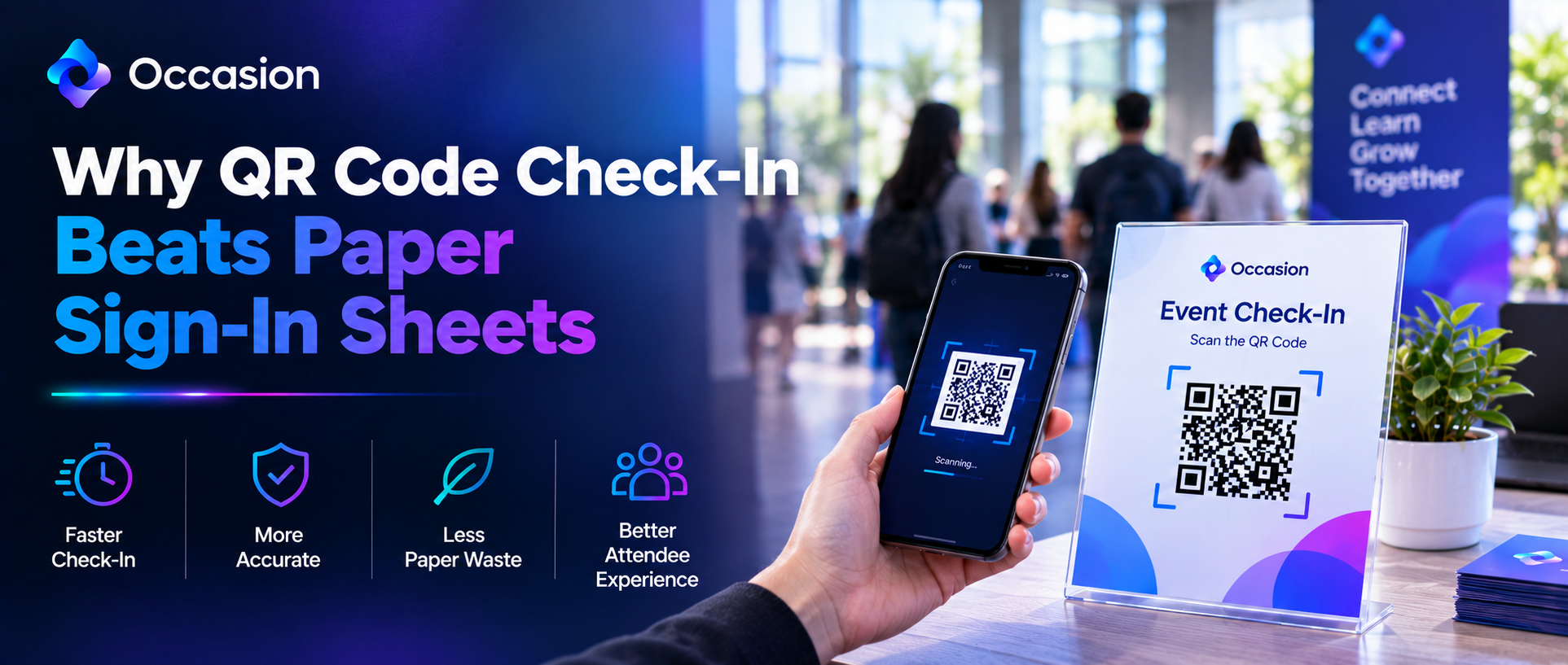
Why QR Code Check-In Beats Paper Sign-In Sheets
October 21, 2026

Written by
Aksh G
.svg)
See why QR code check-in beats paper sign-in sheets with faster entry, better accuracy, easier tracking, and a simpler experience for guests and staff.
QR code check in vs paper comes down to speed and record-keeping. A guest scans a code, taps a name, and walks through. Paper needs a pen, a legible signature, and someone to type it up later. One method finishes in seconds. The other creates work nobody enjoys afterward. Both mark attendance differently.
Built for businesses running classes, workshops, and events, Occasion booked three and a half million customers last year across eight thousand sellers. Our digital check-in works from a shared link on any phone or tablet, with no login needed. Staff tap names as guests arrive. That link can be shared as a code.
What QR Code Check In vs Paper Really Changes
Three things shift immediately. Speed at the door improves, since scanning beats writing every time. Accuracy improves too, because names come from the booking rather than handwriting. Records become searchable instantly. Paper offers none of that, though it still works during a power cut. Most venues keep a printed backup anyway.
How Queues Form at Busy Sessions
Forty people arriving within ten minutes creates a bottleneck fast. One clipboard means one person writing at a time. Everyone behind waits. Parents with young children feel it worst. Digital check-in removes the single point entirely, since several staff can work from separate devices at once. Sessions then start on schedule.
Why Paper Sign-In Sheets Slow a Front Desk
Paper looks cheap until the hidden costs appear. Somebody prints the sheets, somebody files them, and somebody eventually types the names into a spreadsheet. Illegible handwriting causes follow-up calls. Sheets go missing in bags and cars. None of that shows up as a line item anywhere. The real cost is staff time.
Why Attendance Records Get Lost on Paper
A stack of sheets is only as safe as the drawer holding it. Spills, moves, and tidy-ups destroy months of records. Anyone needing attendance for a grant report or a promotion decision then has nothing reliable. Digital records save automatically and stay searchable for years afterward. Exporting takes a few seconds.
How Digital Check In Works in Practice
Setup takes minutes, not training sessions. A link opens on any phone or tablet, and you don't need an account to use it. Staff see the roster and tap names as people arrive. Five practical points explain why front desks switch over and rarely go back to paper. Volunteers manage it without help.
- No login required to open the link
- Works on any phone or tablet
- Several staff check in at once
- Attendance saves automatically to the record
- Printable rosters cover offline backup
What Staff Save on a Typical Shift
Ten seconds per guest sounds trivial until sixty people arrive. That alone recovers ten minutes at the door. Removing the later data entry saves considerably more. Across a full week of sessions, the hours add up to genuine time back for a small team. Staff spend it on guests instead properly.
Which Businesses Benefit Most
Businesses with fixed start times benefit most. Studios, dojos, museums, and camps all see arrivals bunch together. Tour operators benefit too, since departures cannot wait. Businesses with rolling walk-in traffic notice less difference, though the record-keeping advantage still applies to them equally. School groups clear fastest of all.
How Volunteers Learn Digital Check-In
Training is the usual worry, and it rarely is. Opening a link and tapping a name needs no explanation. Check-In Customers on Your Phone describes the whole process accurately. Most volunteers manage it correctly on their first shift without any supervision. Printed rosters stay available regardless.
Why Businesses Choose Occasion
Check in sits alongside bookings, payments, and rosters, not in a separate app. Support is available by chat, email, or phone seven days a week. Occasion also lets staff text or email everyone on a roster at once, which paper never managed. A dedicated partner handles setup and training.
Conclusion
QR code check in vs paper is not a close contest at a busy door. Scanning clears queues faster, records save themselves, and nobody retypes names afterward. Paper still works as a backup. Occasion can run digital check-in before the next session starts. A demo takes minutes.
FAQ
Does digital check-in require a staff account?
No. The check-in link opens on any phone or tablet without a login, so front desk staff and volunteers can use it immediately with no setup on their own devices.
What happens if the internet drops during a session?
Printable rosters cover that situation. Printing one before a busy session gives staff an offline backup, and they can enter names into the system once the connection returns.
Keep reading


Occasion’s mission is to empower those who build happier communities.