.svg)
Class Booking Software for Small Businesses
October 28, 2026

Written by
Aksh G
.svg)
Class booking software for small businesses recovers over 1,100 admin hours a year. See which features matter, how to compare plans, and what to test first.
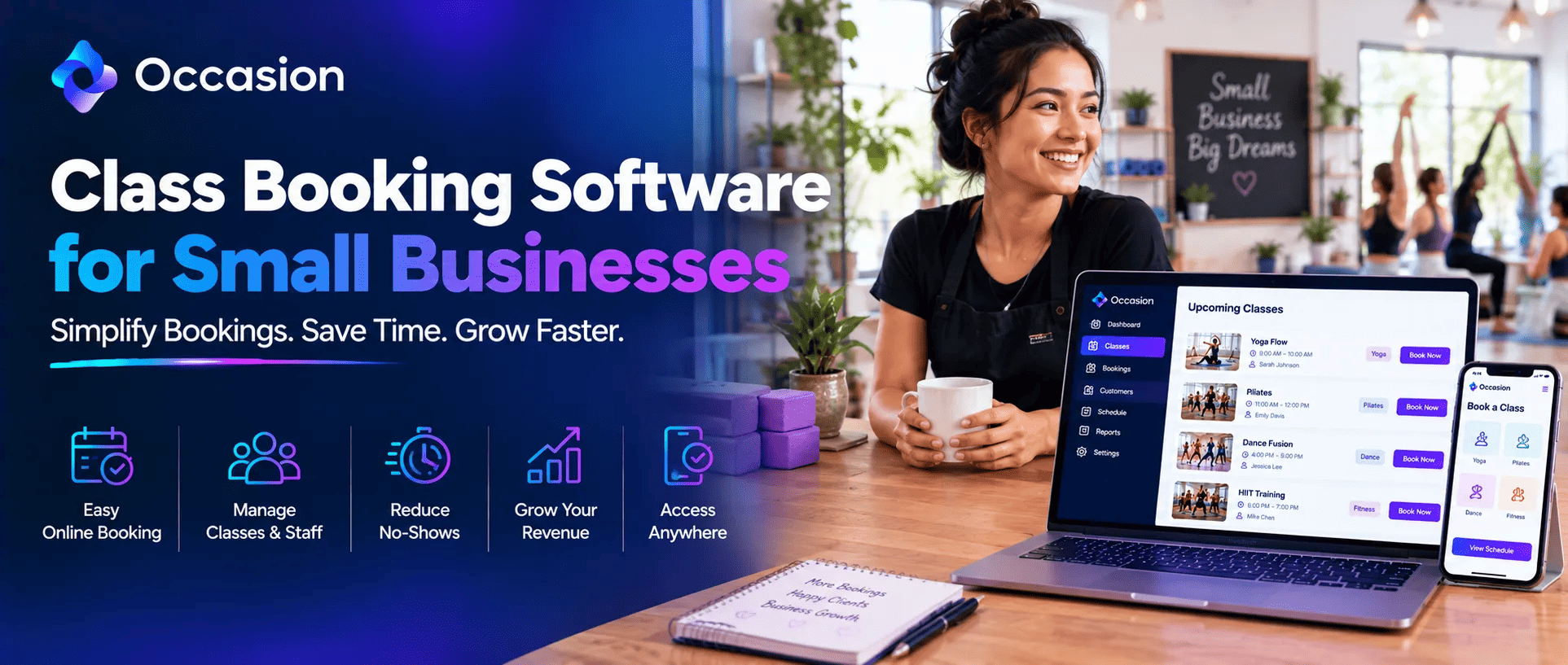
Class booking software for small businesses handles the jobs an owner currently does by hand. It takes bookings, collects payment, fills canceled seats, sends reminders, and checks people in. For a studio run by one or two people, that admin load is usually the real limit on growth rather than demand. That is the problem worth solving first.
We built Occasion for exactly that kind of business, from pottery studios and cooking schools to skating rinks, play spaces, and tour operators. Around 8,000 sellers across 12 countries run their classes, camps, parties, and private events through the platform. Most of them started with a notebook and a phone.
What Class Booking Software for Small Businesses Actually Does
The software sits between a customer wanting a seat and that seat being confirmed and paid for. It displays the schedule, takes the booking, collects money, updates the roster, and sends confirmation. No one needs to be present, which is the whole point for a small team. Bookings arrive while the studio sleeps.
Why Small Businesses Feel the Admin Load Hardest
A large organization has somebody whose job is the phone. A small studio has the owner, who is usually teaching when calls come in. Every missed call is a lost booking, and every evening spent on admin is time taken away from the business itself. That trade-off compounds week after week.
How to Save 1,102 Hours with Class Booking Software
That figure represents what businesses recover annually by moving booking, payment, and admin into one system. That's roughly 21 hours a week, which for most small studios is the difference between surviving and building something. The savings come from several places, not one. Each removes a recurring manual job.
- Bookings arrive overnight without anybody answering
- Payment is collected upfront, ending unpaid place chasing
- Waitlists refill cancellations without staff involvement
- Confirmations and reminders send themselves automatically
- Digital check-in replaces printed paper rosters
Which Manual Jobs Disappear First
Phone bookings go first, since most customers prefer booking online anyway. Chasing payment comes next, because you collect money at the checkout rather than at the door. Reminder calls and texts follow, then the paper roster printed before every single session. Each removal frees a few hours weekly, and those hours add up fast.
How to Choose the Best Class Booking Software
How to Choose the Best Class Booking Software comes down to fit rather than feature count. Occasion suits both ends of that range, handling multi-week series and single workshops equally well. Build the most awkward listing you sell during the thirty-day trial and see whether it works without any workaround. Most platforms stumble on that test.
Which Features Small Businesses Genuinely Need
Five things cover the daily work of any small studio. Occasion includes all of them on every plan, which is why any Class Booking Software Comparison tends to end there rather than continuing. Nothing essential sits behind an upgrade, so a growing business never hits a paywall partway through.
- Listings covering classes, camps, parties and casual drop ins
- One live calendar the whole team sees updating instantly
- Rosters filling automatically as customers book and pay online
- Digital waivers signed by attendees before they even arrive
- Payment collected through Square, Stripe or cash at counter
Why Pricing Structure Matters More Than Price
Many platforms put the useful features behind higher tiers, so the advertised entry price rarely reflects what a growing studio ends up paying. Check whether waitlists, waivers, and multi-venue support sit on the plan you would actually buy. Scrutinize setup fees and contract length before committing.
What a Free Trial Should Tell You
Use a trial to run one genuinely awkward thing rather than browsing menus. Build a six-week series with a sibling discount, or a birthday party booking with add-ons. If that works smoothly, ordinary classes certainly will. Thirty days is enough time to test this properly instead of guessing.
Why Small Businesses Choose Occasion
How to Save 1,102 Hours with Class Booking Software starts with having every feature available rather than locked away. Occasion includes all of them on every plan, so waitlists, waivers, rosters, and venue management arrive as standard. A thirty-day free trial carries no setup fee, and free bookings stay free.
Conclusion
Class booking software for small businesses pays for itself through recovered hours, not just extra bookings. Choose on fit rather than feature lists, check which plan actually holds what you need, and test one awkward scenario during the trial. Occasion offers thirty days free to try.
FAQ
What does class booking software handle for a small business?
Everything from a customer picking a class through to payment and confirmation, plus rosters, reminders and check in, all without anybody needing to answer the phone.
Can class booking software take bookings outside opening hours?
Yes, that is most of its value. Customers book overnight and at weekends through your site or social channels, and the roster updates itself automatically.
Keep reading


Occasion’s mission is to empower those who build happier communities.