Decorative gradient blob
Operations and management

Run your business from one place

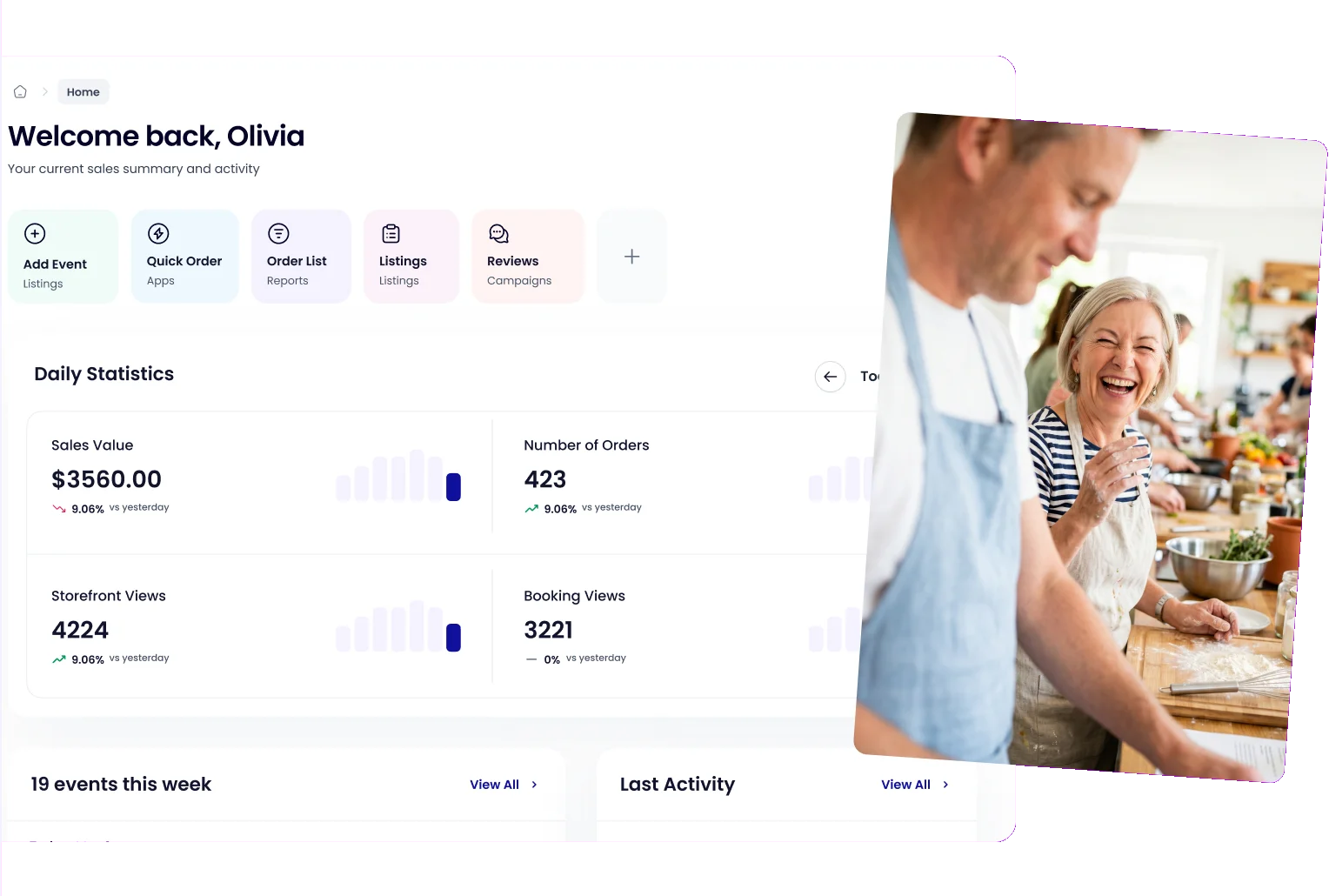
From scheduled events and classes to digital check-in, your Occasion dashboard brings it all together, on one screen.
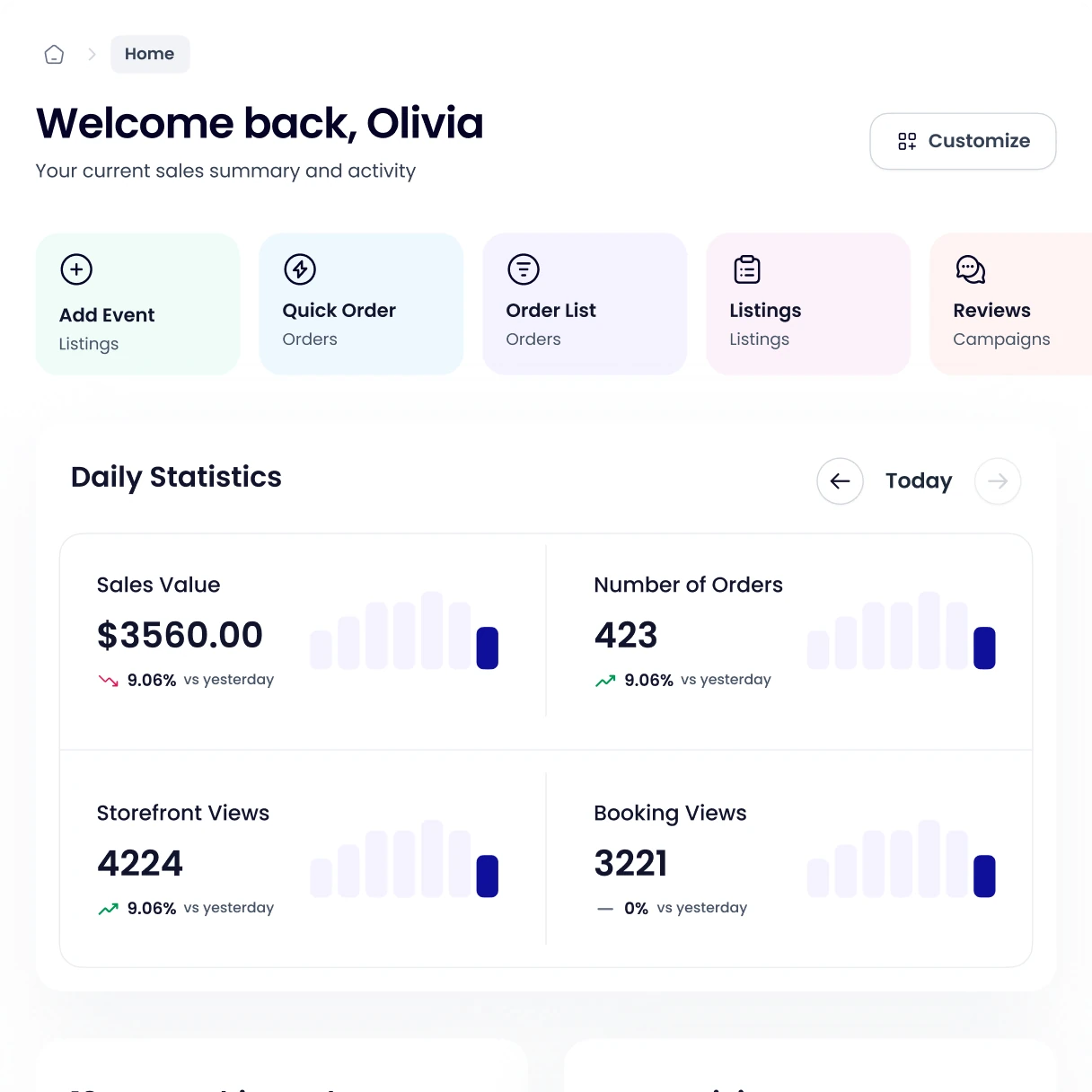
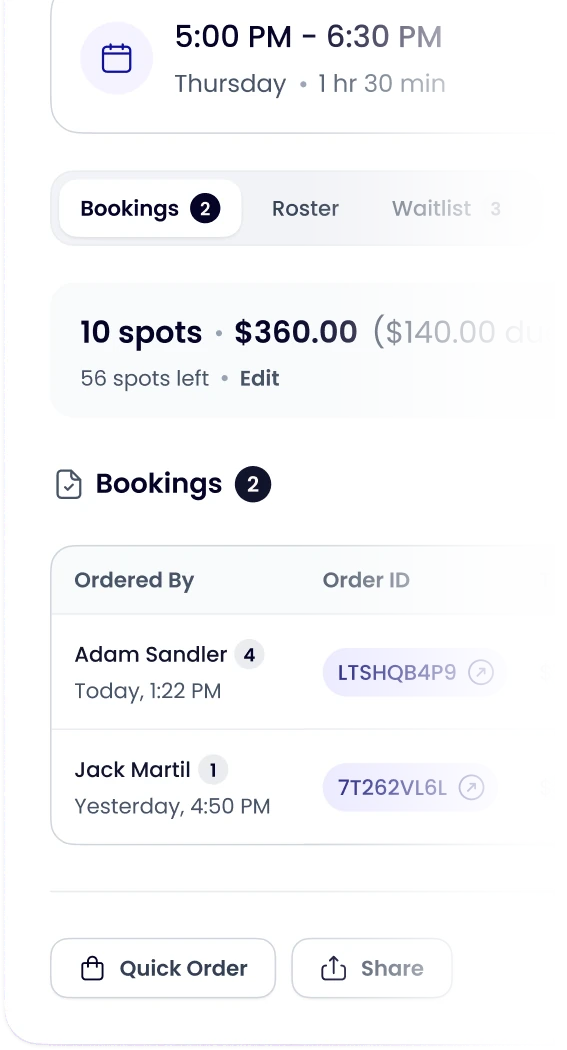
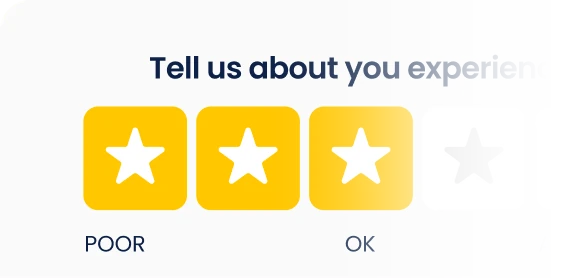
Occasion dashboard home screen with daily statisticsEvent modal in Occasion showing bookings, spots and the order tableCustomer feedback card with a four star rating
Trusted by 8,000+ businesses
Tours
Tours
Tours
Tours
Tours
Tours
Skating Rink
Skating Rink
Skating Rink
Skating Rink
Skating Rink
Skating Rink
Pottery, Glass & Craft Studio
Play Space
Play Space
Play Space
Play Space
Photography
Photography
Park District
Park District
Painting
Painting
Painting
Painting
Painting
Painting
Painting
Painting
Painting
Painting
Hobby Shop
Hobby Shop
Hobby Shop
Hobby Shop
Hobby Shop
Hobby Shop
Hobby Shop
Hobby Shop
Hobby Shop
Hobby Shop
Falconry
Falconry
Cooking School
Cooking School
Cooking School
Cooking School
Cooking School
Cooking School
Cooking School
Cooking School
Cooking School
Cooking School
Cooking School
Cooking School
Cooking School
Cooking School
Community Organization
Animal Cafe
Animal Cafe
Animal Cafe
Animal Cafe

“Occasion has truly made running my business 10 times easier. Their tools are intuitive, and their customer service is the best I've ever experienced.”

Make the day-to-day run smoothly

Illustration of a schedule laid out on a calendar

Get the full picture

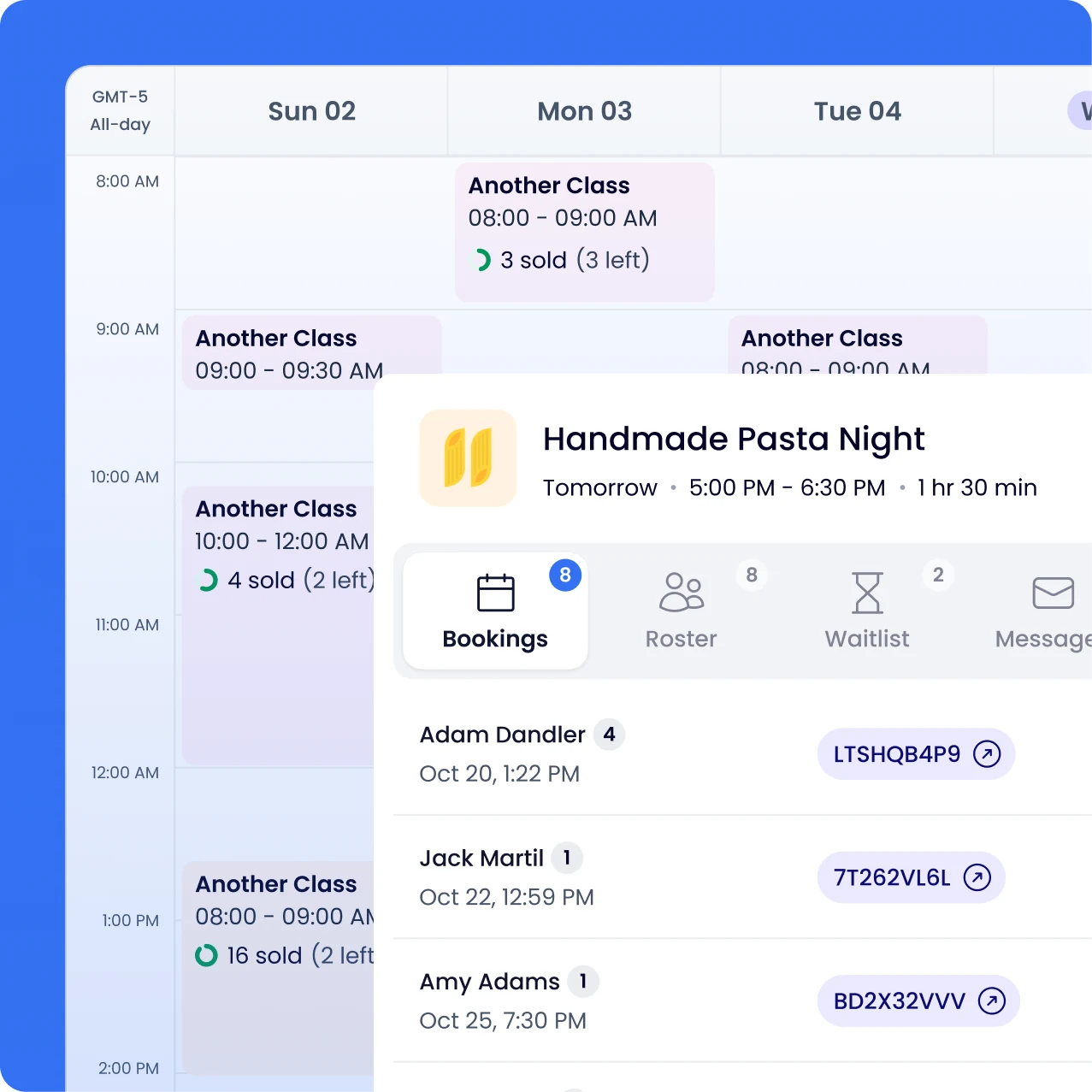
See your full schedule laid out neatly on a calendar.

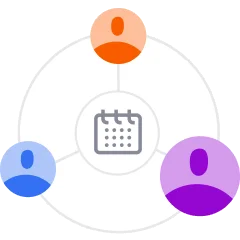
Illustration of attendees connected to an event

Know your attendees

Who's coming, what they answered, and what they ordered.

Illustration of checking people in on a calendar

Save time at the door

Check people directly in Occasion, without paper rosters.

Illustration of an automated email arriving on a phone

Emails on autopilot

Confirmations, reminders, and follow-ups, sent for you.

Occasion workspace calendar with a class booking open
Watch a quick guide (3 min)

The calendar is the lifeblood of your business

Keep your team in sync

Everyone you give access to sees the same live calendar.

Check in from any phone

Share a link, and anyone on your team can check people in, no account needed.

See who showed up

Get a live update on check-ins. Your roster shows who actually arrived.

Two-way Google sync

Bookings flow both ways and let you easily block personal time.

Watch a quick guide (2 min)

Your roster tells you everything

See who’s coming

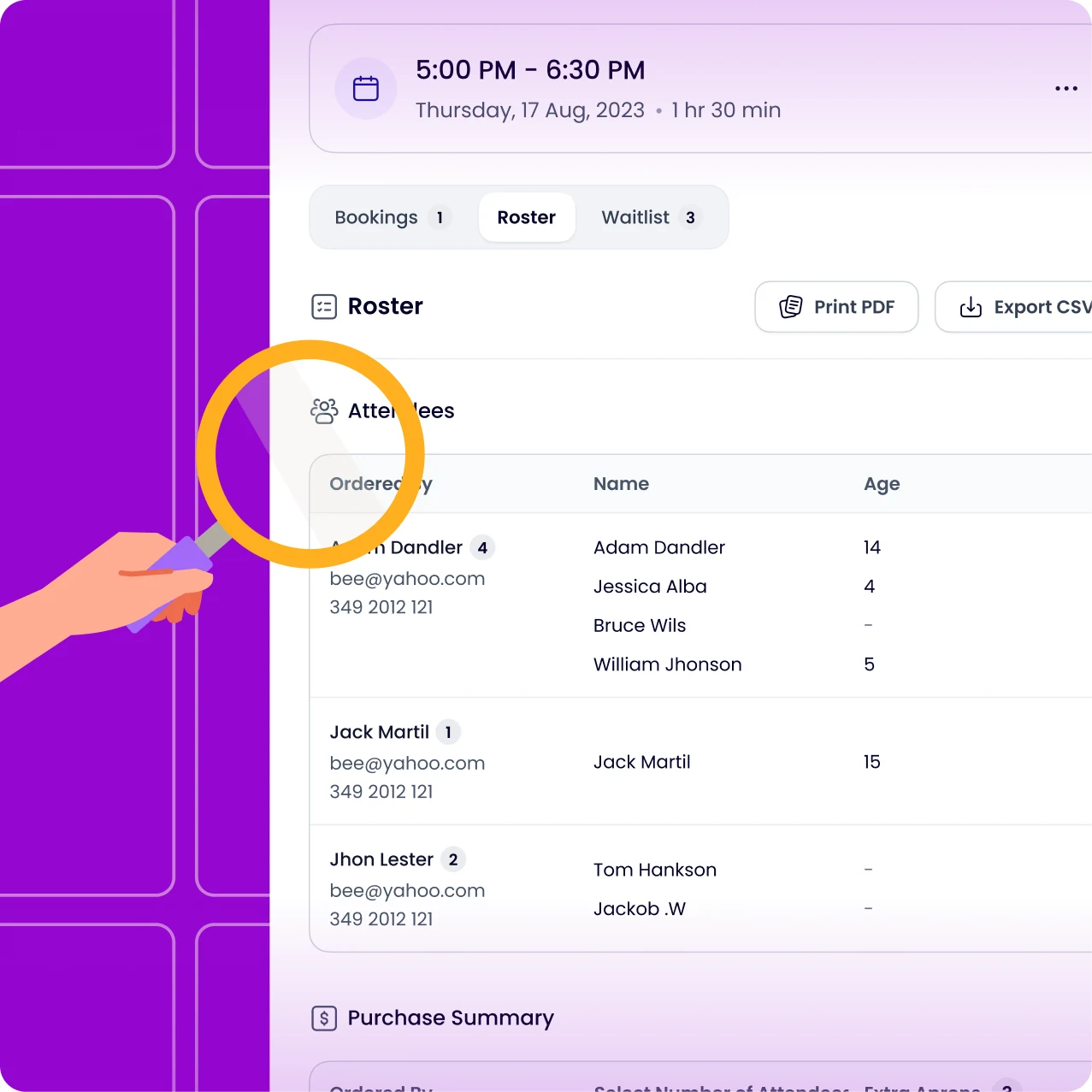
If someone bought a seat for someone else or for several people, you see their details.

Get additional info

If you asked attendees questions at checkout, you will see the answers here.

View the order

See how many seats and extras each person ordered.

Message the roster

Email or text a specific customer or everyone who booked at once, with saved replies to reuse.

Occasion roster showing attendees for a class
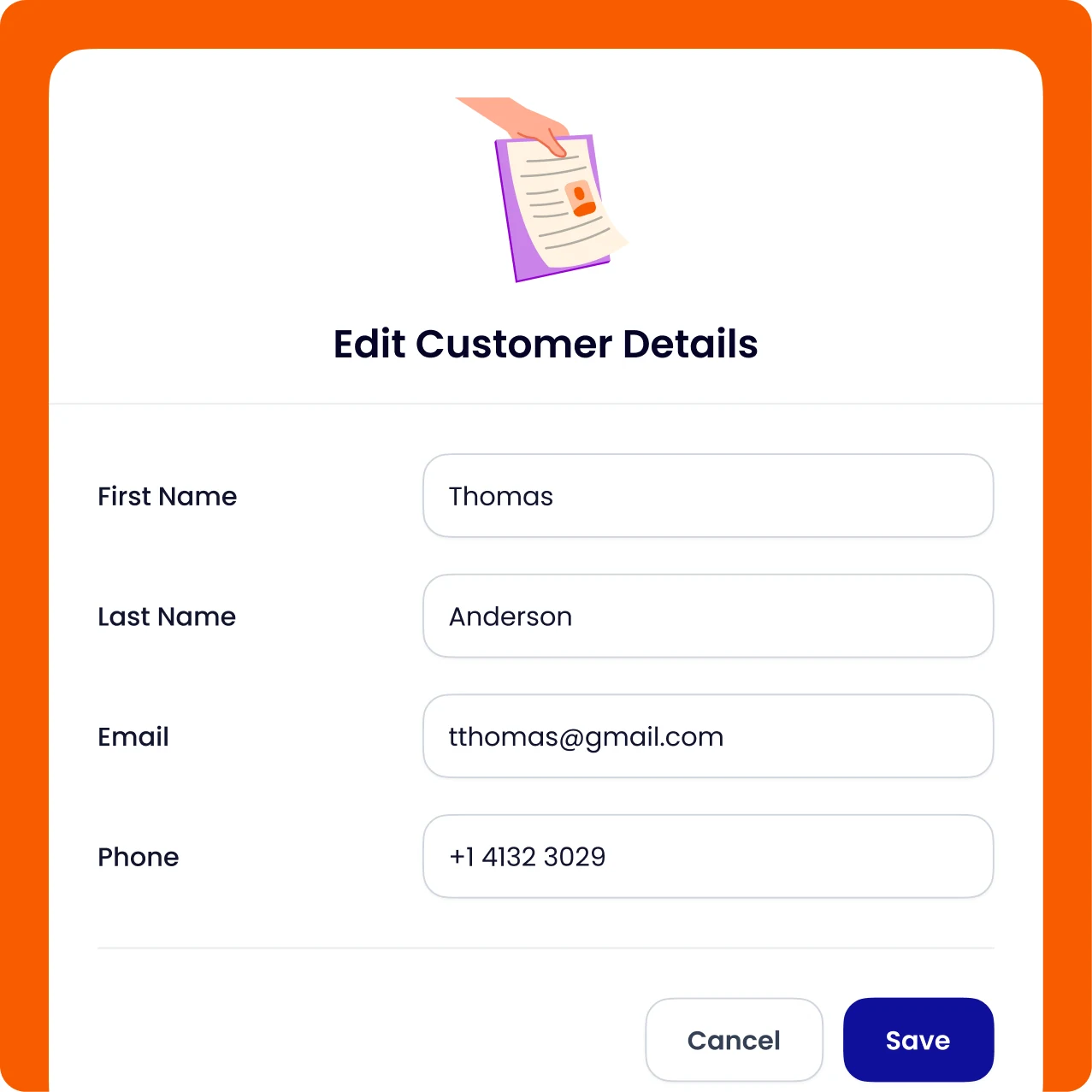
Edit customer details form for an order in Occasion

Change any order in a few clicks

When a customer needs a change, handle it for them in Occasion, no back-and-forth.

Find any order icon
Find any order

Search by name, email, order code, or event.

Edit what you need icon
Edit what you need

Change a name or detail, add a seat, or add extras.

Move or reschedule icon
Move or reschedule

Move a customer to a later date or even to a different event.

Collect, refund, or cancel icon
Collect, refund, or cancel

Charge their card, refund to card or credit, or cancel the order.

Watch a quick guide (3 min)

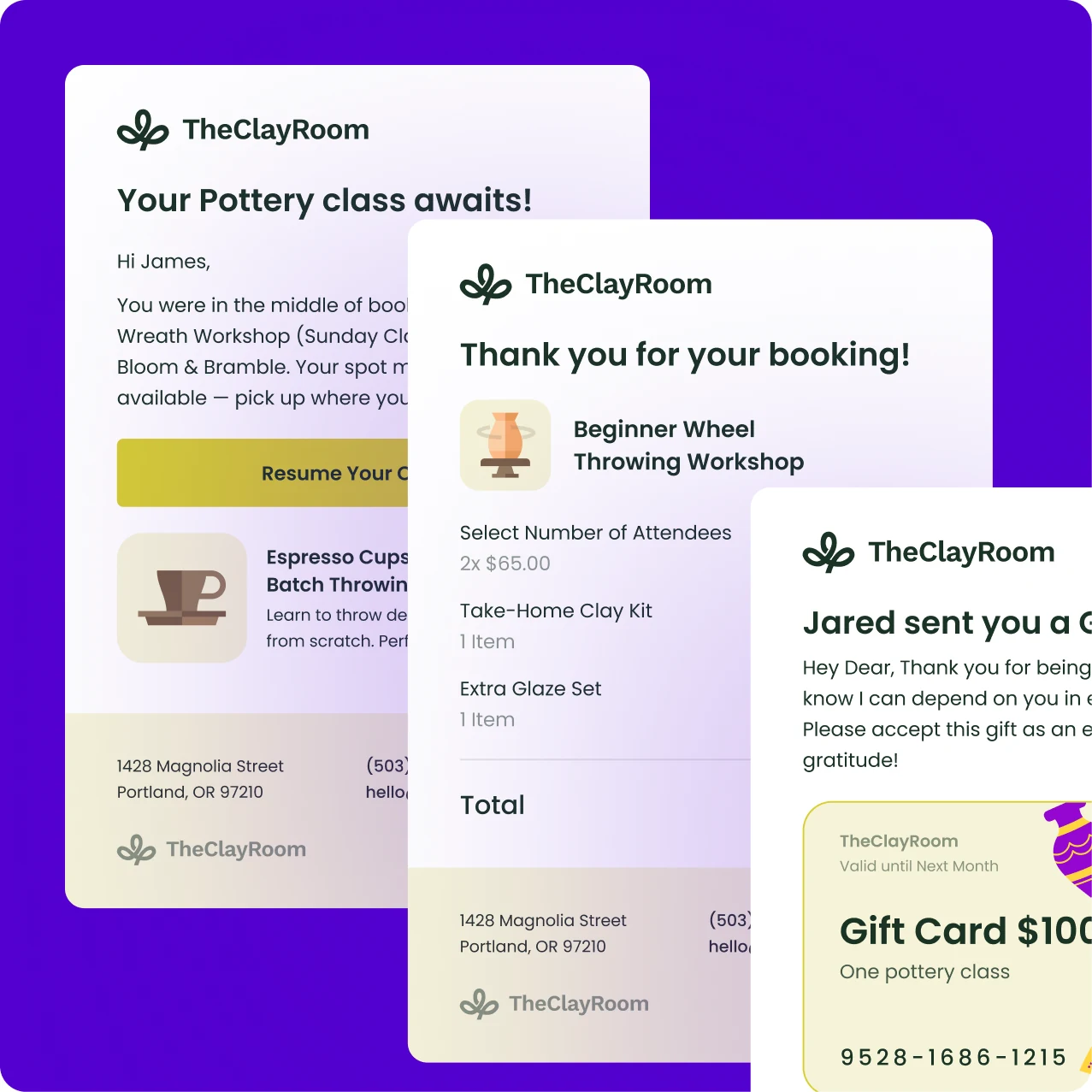
Let emails run themselves

Confirmations and reminders

Send a confirmation for each booking and remind attendees to come.

Follow up after events

Send a thank you or nudge attendees to book again.

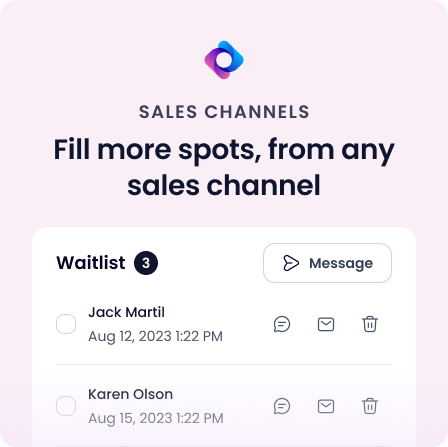
Notify your waitlist

When a spot opens, email or text the next person in line.

Customize the wording

Edit what your automated emails say.

Automated Occasion booking emails and a gift card email

By hand vs. with Occasion

Doing it by hand
Occasion logo mark
with Occasion
Your calendar
Pieced together across tools
Included in Occasion
One clear view
Rosters
Typed-up lists
Included in Occasion
Fill in automatically as people book
Check-in
Printed sheets
Included in Occasion
A shareable check-in link
Reaching attendees
One by one
Included in Occasion
Email or text the whole roster

More management tools

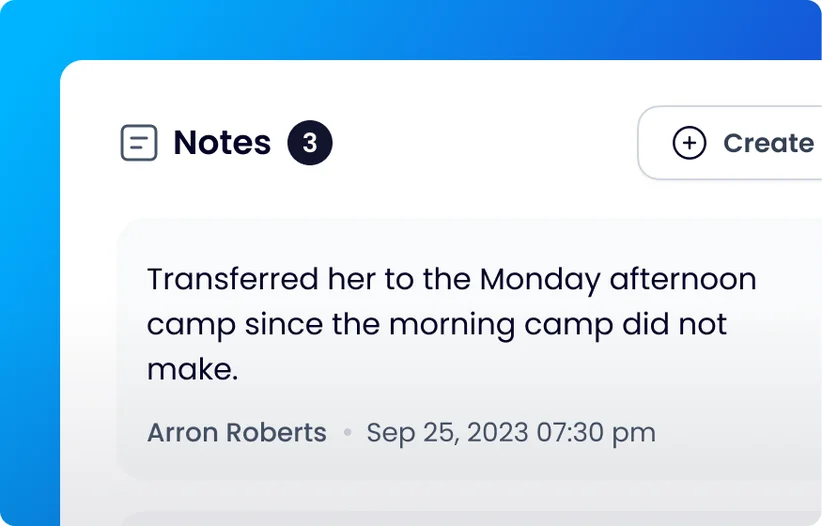
Internal staff notes on a booking in Occasion

Internal notes

Add private notes to a booking or event, just for staff.

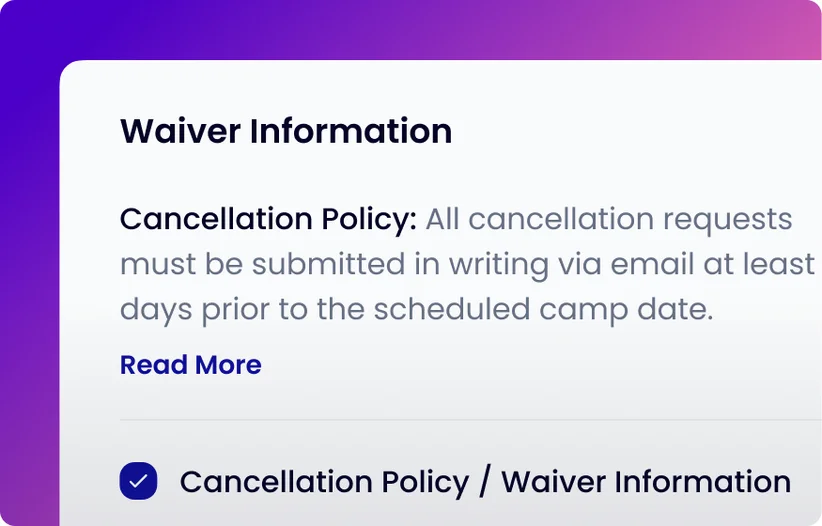
Cancellation policy and waiver information in Occasion

Cancel and refund policies

Publish your own policy, and customers agree to it when they book.

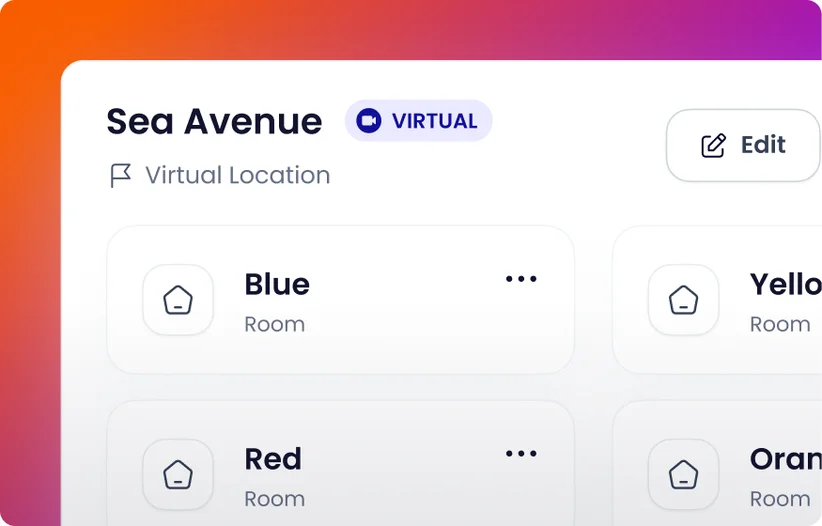
Venue with rooms set up in Occasion

Team, venues, and rooms

Manage physical, virtual, and even mobile venues. Set up rooms within venues.

Signed waivers dashboard in Occasion

Get a clear view of your business

Occasion’s powerful dashboard lets you manage it all in one place with zero paper. Book a demo to see how it works.

Continue your Occasion tour

Listings — Run every type of experienceAutomated Marketing — Bring in more bookings, automaticallySales Channels — Fill more spots, from any sales channelPayments — Get paid your wayDigital Waivers — Digital waivers, built into your booking systemGift Cards — Turn gift-giving into new customers

Occasion’s mission is to empower those who build happier communities.

We achieve our mission by giving individuals more time back, enabling them to create and share meaningful human experiences together.


Child making pottery in a classChef teaching a cooking classPainting class in a studioCeramics class with an instructor