.svg)
How Role-Based Access Control Protects a Business and Its Staff
September 24, 2026

Written by
Aksh G
.svg)
Learn how Role-Based Access Control limits risk, what staff permissions cover in a booking workspace, and how to adjust access as a team changes.
One password shared by six people causes more damage than any outside threat. A refund appears with no name attached. A listing gets deleted, and nobody knows who did it. Role-Based Access Control ends that guesswork by giving each team member only the tools their job actually needs.
Built for businesses running classes, workshops, and events, Occasion serves more than eight thousand sellers worldwide. Our workspace covers calendars, listings, campaigns, reports, and payments, with support reachable by chat, email, or phone seven days a week.
Why Shared Logins Put a Business at Risk
Shared credentials remove all accountability. Financial reports sit wide open to anyone on shift, and a departing employee keeps working access until someone remembers to change the password. Honest mistakes also become impossible to trace, so small errors turn into long arguments about who did what.
What Role-Based Access Control Looks Like in a Booking Workspace
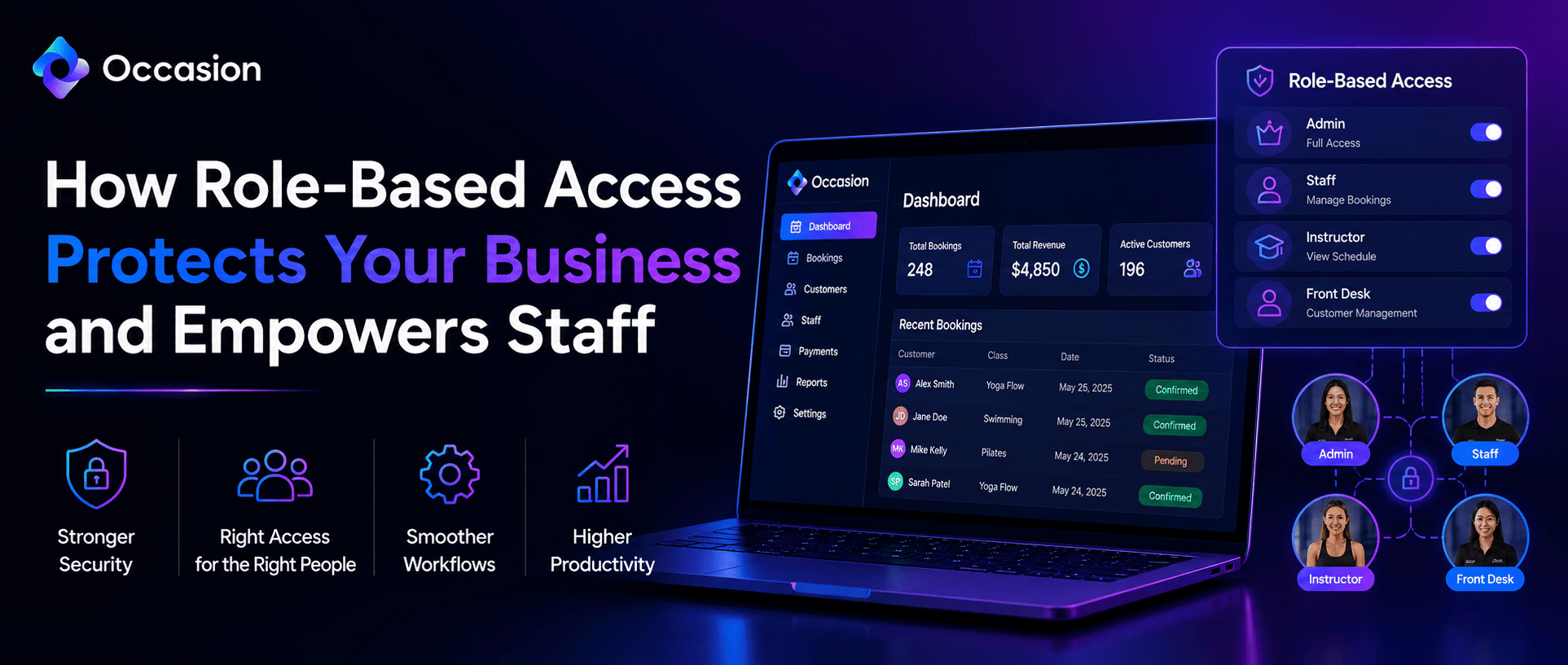
Permissions attach to the person, not to one universal login. Each staff member gets an individual account, and each account carries a checklist of what it can reach. A front desk hire might work the calendar all day while never seeing revenue reports or billing settings.
What Areas Staff Permissions Can Cover
- Calendar scheduling and walk-in bookings
- Listings, pricing, and availability settings
- Gift cards and campaign tools
- Customer, accounting, and marketing reports
- Billing and workspace settings
How New Team Members Get Added
Adding someone happens under Settings, in the Manage Staff tab. Enter a name and email, then tick the permission boxes that match the role. An invitation email goes out, and the account stays marked as unconfirmed until the new hire sets their own password.
How Venue Level Permissions Work
You can also grant access by venue rather than by feature. Someone assigned to a venue can view, edit, and delete orders for every listing inside it, and order confirmation emails route to them automatically. Staff at other locations stay entirely outside that data.
How Limited Access Helps Staff Move Faster
A smaller dashboard means fewer decisions. An instructor opening the workspace sees the roster and the calendar, not billing screens they were never meant to touch. Training gets shorter, and the quiet worry about clicking something expensive disappears from the shift completely.
Role-Based Access also protects the people doing good work. When every action carries a name, a genuine mistake gets fixed quickly rather than turning into a hunt for blame across the whole team.
How to Adjust Permissions as a Team Changes
Start narrow and widen later. Granting one extra permission takes seconds, while undoing a costly error takes far longer. Repeated requests for the same access usually signal a role that needs updating, not a series of one-time exceptions.
How Access Ends When Someone Leaves
Removing a team member takes one click from the same Manage Staff tab. Access stops immediately while past records stay intact. The action cannot be undone, but you can always re-invite a former staff member if they return later.
Conclusion
Role-Based Access Control keeps sensitive data protected while keeping daily work simple. Individual accounts, permissions matched to real duties, and a quick review every few months cover almost everything. Teams using Occasion can set and change access from one settings tab.
Keep reading




Occasion’s mission is to empower those who build happier communities.