.svg)
How Museums Manage Timed Entry and Group Tours
October 9, 2026

Written by
Aksh G
.svg)
Discover how museums manage timed entry and group tours with organized scheduling, ticketing, visitor flow, and seamless experiences for every guest.
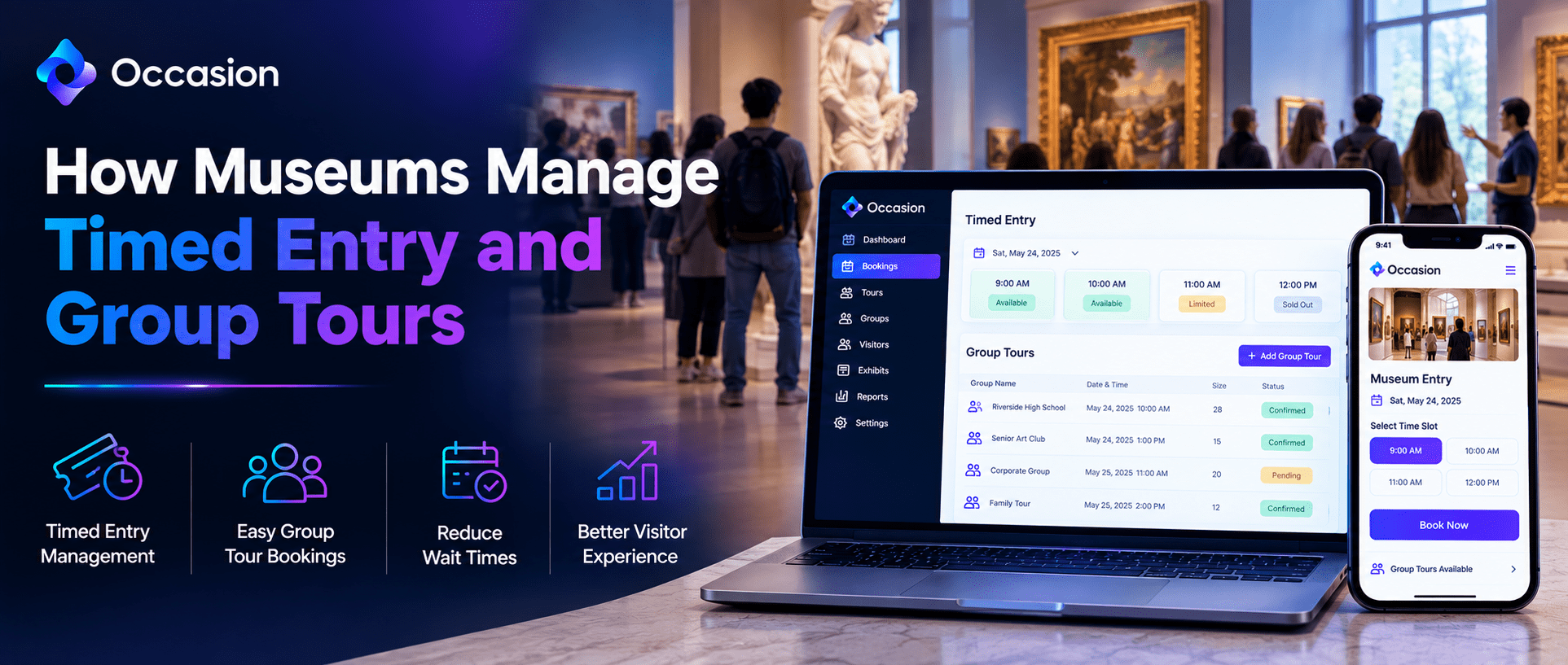
Museum ticketing software manages timed entry, group tours, and admission sales in one system. Visitors book a set arrival slot instead of walking in. Each slot has a capacity limit. Once it fills, the next opens. Groups book separately with their own size caps. Nobody queues outside on busy days. Staff always know what to expect.
Built for organizations running classes, tours, workshops, and events, Occasion books around three and a half million customers a year across eight thousand sellers. Our calendar handles time slots, capacity limits, and group bookings in one place. Visitors usually finish booking in about two minutes on a phone. A children's museum already uses it.
How Timed Entry Works at a Museum
Each day gets split into arrival windows, often every thirty minutes or every hour. Visitors pick a window online and pay upfront. The calendar counts tickets as they sell. Staff can adjust capacity by slot, opening more room on quiet mornings and less during school holidays. Walk-ups still get sold at the desk.
How Capacity Limits Prevent Crowding
A capacity limit caps how many people enter during one window. Once that number is reached, the slot shows as sold out automatically. Nobody oversells by accident. Double-booking conflict management also catches clashes when staff sell the same slot online, by phone, and in person. Crowded rooms stop being a problem.
How Museums Book Group Tours
Group tours run differently from general admission. They need a guide, a set start time, and usually a minimum or maximum group size. Schools and clubs often book weeks ahead. The Features That Matter for Group Registrations tend to cover the details below. Getting them right saves hours of email.
- Set group sizes with a clear cap
- Booking by phone for school coordinators
- Custom printable rosters for guides
- Text or email to the whole group
- Coupons for school or member rates
How School Groups Book Visits
Teachers rarely book through a public page. Most call the front desk or email a coordinator. Phone bookings land in the same calendar as online sales, so nothing double books. Confirmation emails go out automatically with the address, arrival time, and anything students should bring. Reminders follow the day before.
How Private Group Events Get Scheduled
Birthday parties, corporate visits, and after-hours events need their own listing type. A private event listing keeps those bookings off the public calendar. Staff set the date, price, and guest count directly. The booking still flows through the same payment system and reporting as everything else. Nothing needs a separate spreadsheet.
What Museum Ticketing Software Should Include
A museum runs several products at once. General admission, tours, workshops, and camps all compete for the same staff and space. Booking software has to hold all of them in one calendar. Otherwise, the front desk juggles three systems and still misses clashes on the busiest weekend. One shared view fixes most of that.
How Check-In Works at the Front Desk
Digital check-in runs from a link on any phone or tablet. No login is needed to open it. Staff tap names as visitors arrive. Large school groups clear in minutes rather than a long paper roll call. Attendance records save automatically. Volunteers can run it with no training.
How Waitlists Fill Canceled Slots
Popular exhibitions sell out fast, then lose a few bookings in the final days. A waitlist catches those gaps. People subscribe to a full slot and get notified the moment space opens. Cart recovery emails also bring back visitors who never finished checking out. Empty slots quietly refill on their own.
Why Museums Choose Occasion
Support answers within ten minutes by chat, email, or phone, seven days a week. No robots or call centers in between. A dedicated partner imports existing bookings and trains staff one-to-one. Occasion also exports data at any time, so records never get locked away. The setup fee is refundable.
Conclusion
Museum ticketing software keeps timed entry and group tours running smoothly from one calendar. Time slots control crowds, capacity limits stop overselling, and group tools handle schools and parties. Occasion brings admission, tours, and check-in together, and a quick demo shows how it fits. Setup support is included.
FAQ
Can walk-in visitors still buy tickets?
Yes. Bookings taken at the front desk land in the same calendar as online sales. Capacity updates instantly, so a walk-up ticket never pushes a slot past its limit.
Can school groups book without using the website?
Yes. Coordinators can book by phone or through the front desk. Those bookings appear in the same calendar and trigger the same confirmation and reminder emails as online orders.
Keep reading

Occasion’s mission is to empower those who build happier communities.