.svg)
White-Label Booking Software: Own Your Brand at Checkout
September 10, 2026

Written by
Aksh G
.svg)
See how white-label booking software lets a business keep its own branding at checkout, from the calendar to the confirmation email.
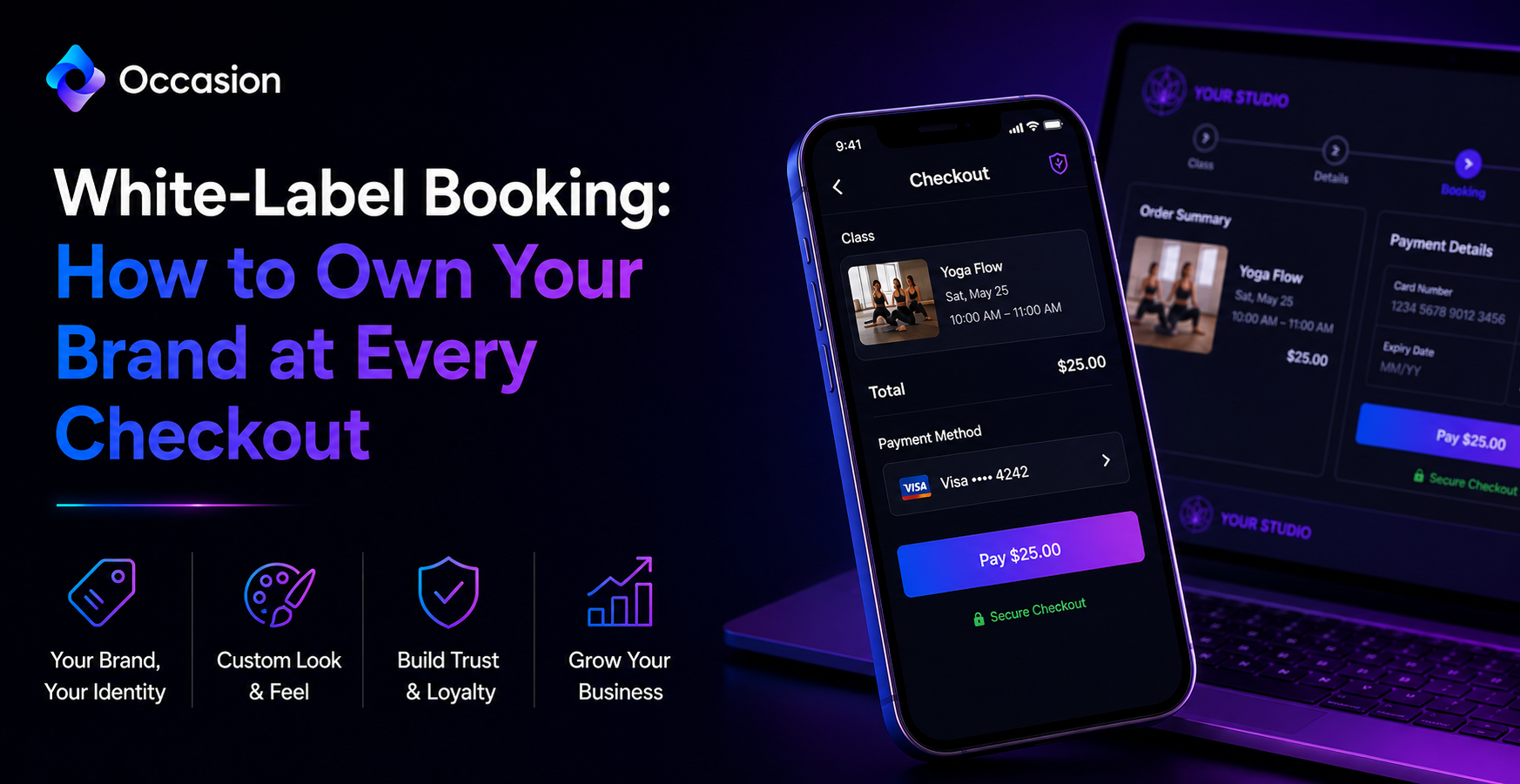
White-label booking software keeps a business's own logo, colors, and name front and center, instead of handing that spotlight to whatever platform runs the backend. Customers should feel like they never left the business's site, from browsing classes to payment.
A cooking school owner we talked to at Occasion put it simply: customers left their old site, and they lost all their tracking. We built things so that never happens, keeping every step of checkout branded and on-site.
What White-Label Booking Software Actually Means
At its core, white-label booking software lets a business embed its own branded calendar directly on its website, rather than redirecting customers to a generic third-party page. The checkout, confirmation emails, and reminders all carry the business's own identity throughout.
How a Branded Calendar Builds Trust at Checkout
Customers trust what looks familiar, and a checkout page that suddenly switches to unfamiliar branding creates hesitation right before payment. Keeping the calendar, cart, and confirmation screens branded consistently reduces that moment of doubt that can cause someone to abandon a booking.
What Branded Checkout Features Businesses Should Look For
- A calendar that embeds directly on the business website.
- A mobile-first checkout customized with logo and colors.
- Confirmation and reminder emails sent under the business name.
- Cart recovery that brings back customers who almost left.
Choosing the right Booking Software upfront saves a business from the frustrating switch later, when outgrowing a platform means migrating years of customer data somewhere new.
Why Keeping Customers on Your Own Site Matters
Businesses using Occasion get a mobile-first checkout that's fast, sleek, and fully customizable with the business's logo and colors. Staying on-site the entire time keeps the experience seamless, rather than handing it off to a stranger's platform.
Tips for Setting up a Fully Branded Booking Flow
Start by embedding the calendar directly on the homepage, then customize checkout colors and confirmation email templates to match the business look. Testing the full flow on a phone helps catch anything that still feels generic or off-brand.
Occasion helps businesses migrate their calendar, bookings, customers, and credits during setup, with one-on-one staff training included. That hands-on support makes switching to a fully branded booking system feel far less intimidating.
Conclusion
Owning the brand at every checkout step builds trust and keeps customers coming back. Occasion makes it simple to run a fully branded booking experience from start to finish.
Keep reading


Occasion’s mission is to empower those who build happier communities.