.svg)
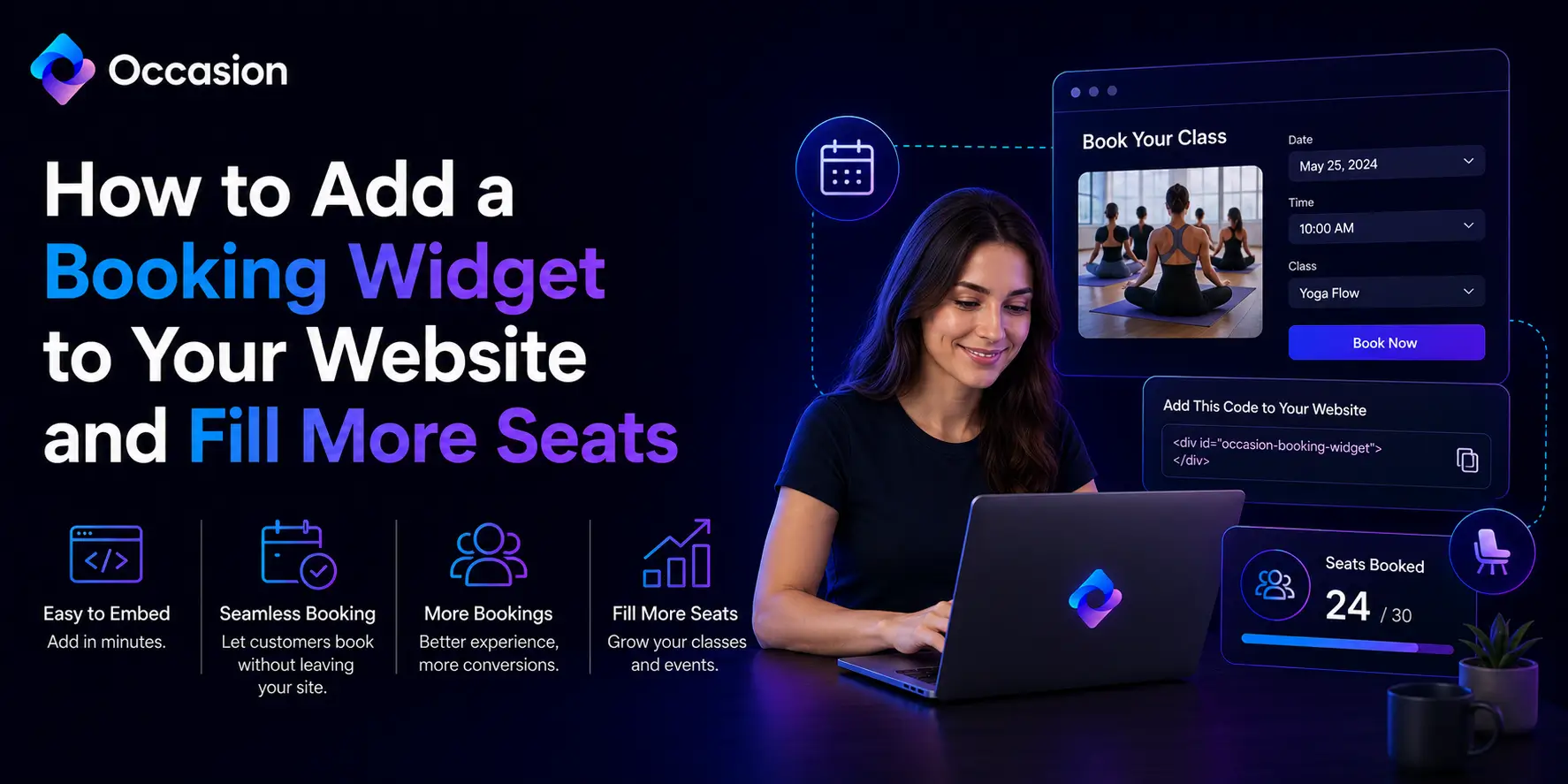
How to Add a Booking Widget to Your Website and Fill More Seats
Written by
.svg)
Learn how to add a booking widget to your website and fill more seats by making it easy for customers to register and pay directly from your own site.
Getting people to your website is only half the battle. Once they arrive, the booking process needs to be so simple and frictionless that completing a registration feels completely effortless. Knowing how to add a booking widget to your website removes every unnecessary barrier between a visitor and a confirmed seat, turning casual browsers into paying customers without any extra follow-up required from the business owner.
Occasion is a U.S.-based event and class booking platform designed specifically for class and experience-based businesses. They provide powerful booking tools that integrate directly into a business website, making registration and payment seamless for both the owner and the customer from the very first interaction.
What a Booking Widget Does and Why It Matters for Class Businesses
A booking widget is a small piece of embeddable code that places a fully functional registration and payment form directly onto any website page. Customers can view available sessions, choose a date and time, and complete payment all without ever leaving the site. This removes the friction of redirects to third-party pages which is one of the most common reasons potential customers abandon the booking process before completing it.
For class-based businesses, this is a significant advantage. Every extra click or redirect between interest and payment increases the chance of losing a potential booking. A booking widget for website integration keeps the entire experience inside the business owner's own digital environment where trust is already established and the customer feels most comfortable completing a transaction quickly and confidently.
Key Benefits of Adding a Booking Widget to a Business Website
- Customers can register and pay without ever leaving the business website.
- The seamless experience increases completed bookings and reduces abandonment rates.
- Owners can manage all registrations and payments from one centralized dashboard.
- Automated confirmations and reminders are sent to registered customers instantly.
How to Set Up a Booking Widget That Consistently Fills More Seats
Setting up a booking widget is simpler than most business owners expect. The process involves creating a booking account, customizing the available sessions and payment options, and then copying a short embed code into the website page where the widget should appear. Most platforms allow the widget to be live and functional within minutes of the initial setup.
To make the experience feel fully professional and on-brand, Bring your own brand and domain to the booking experience so customers see consistent branding throughout the registration journey rather than a generic third-party interface. Occasion makes this possible by allowing full brand customization so every touchpoint feels like a natural part of the business rather than an external tool layered on top of it.
Conclusion
Adding a booking widget to a website is one of the fastest and most effective ways to increase registrations and fill more seats consistently every single week. The setup is simple and the results are immediate. Try Occasion today and start converting more website visitors into confirmed and paying customers without any unnecessary friction standing in the way.
Keep reading



Occasion’s mission is to empower those who build happier communities.